| Home | 3D models | Game Jam 1 | Game Jam 2 | Wordpress website |
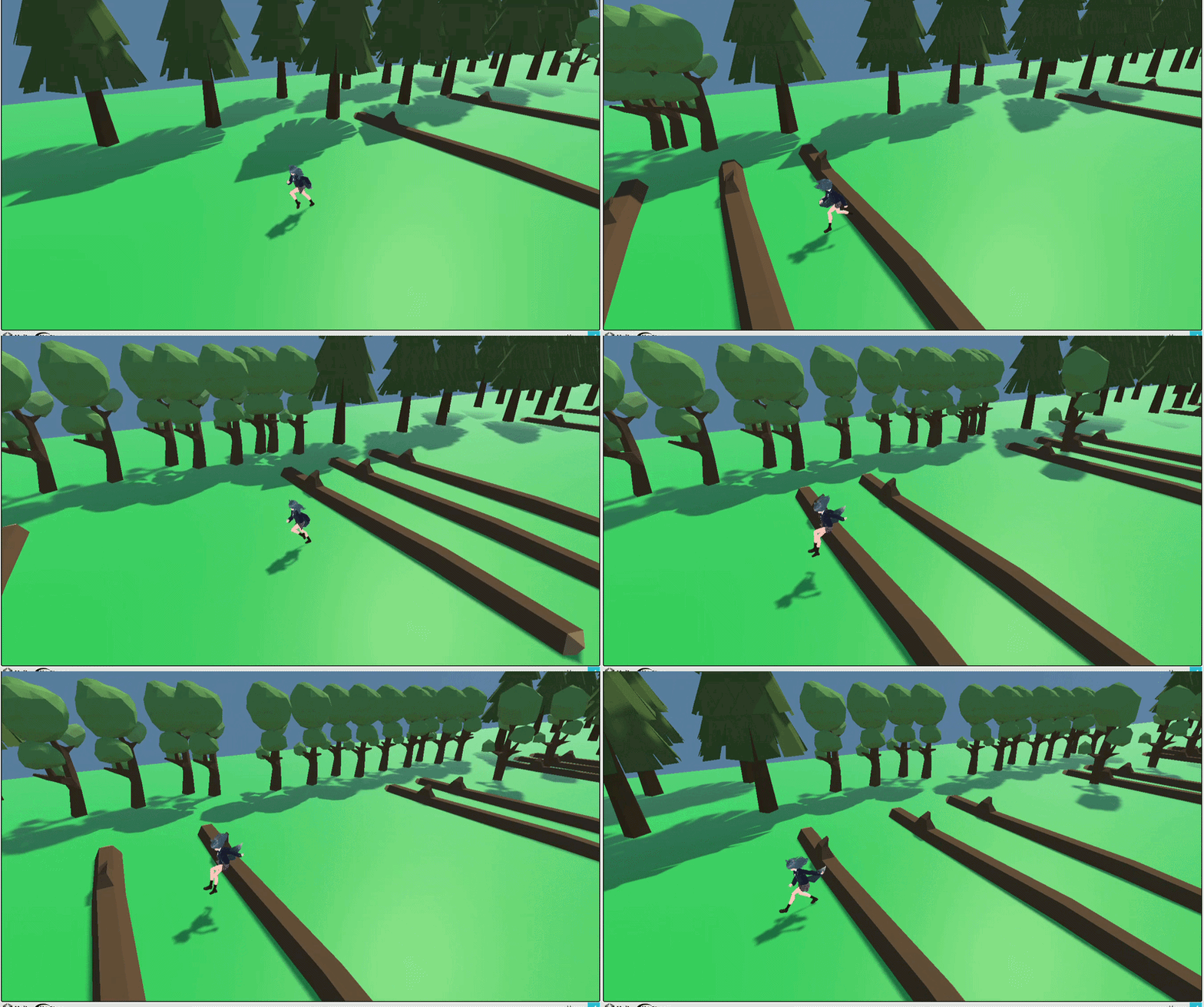
I created this game for the "Mini-Jam" Game Jam. The game I made is called "Go Horse Girl! Go!" The Game Jam was a 3 day game Jam. The theme for this game was "Horses" and the restriction for the jam was "the game must be able to be played one-handed." I entered the game jam as a way of challenging myself, giving myself a tight deadline. This helped develop time management, and doing the game jam was an effective and fun way of learning a lot in Game Development in a short amount of time.
My initial thought was to create a game similair to Pony Island. In Pony Island there are section where you play as a pony and you jump over obstacle by pressing the space bar. I thought this would fit excellently with the theme and restriction of the game jam, and would be a simple game to make for the jam. I consider creating a 2D and create pixel art sprite to create the horse's body and legs.
However I decided against creating a 2D sprite-based game as I prefer playing and making 3D games and I wanted to learn more aspects of 3D game development such as applying 3D animations. I ultimately decided to go with a fictional horse person rather than a full on horse as it is easier to get humaniod animations compared to animal animations.
The character model was created by character designer using VRoid Studios. Unfortunately, there was not enough time to create a custom horse tail so a default fox tail was used instead. After the character was created I exported it as a .fbx
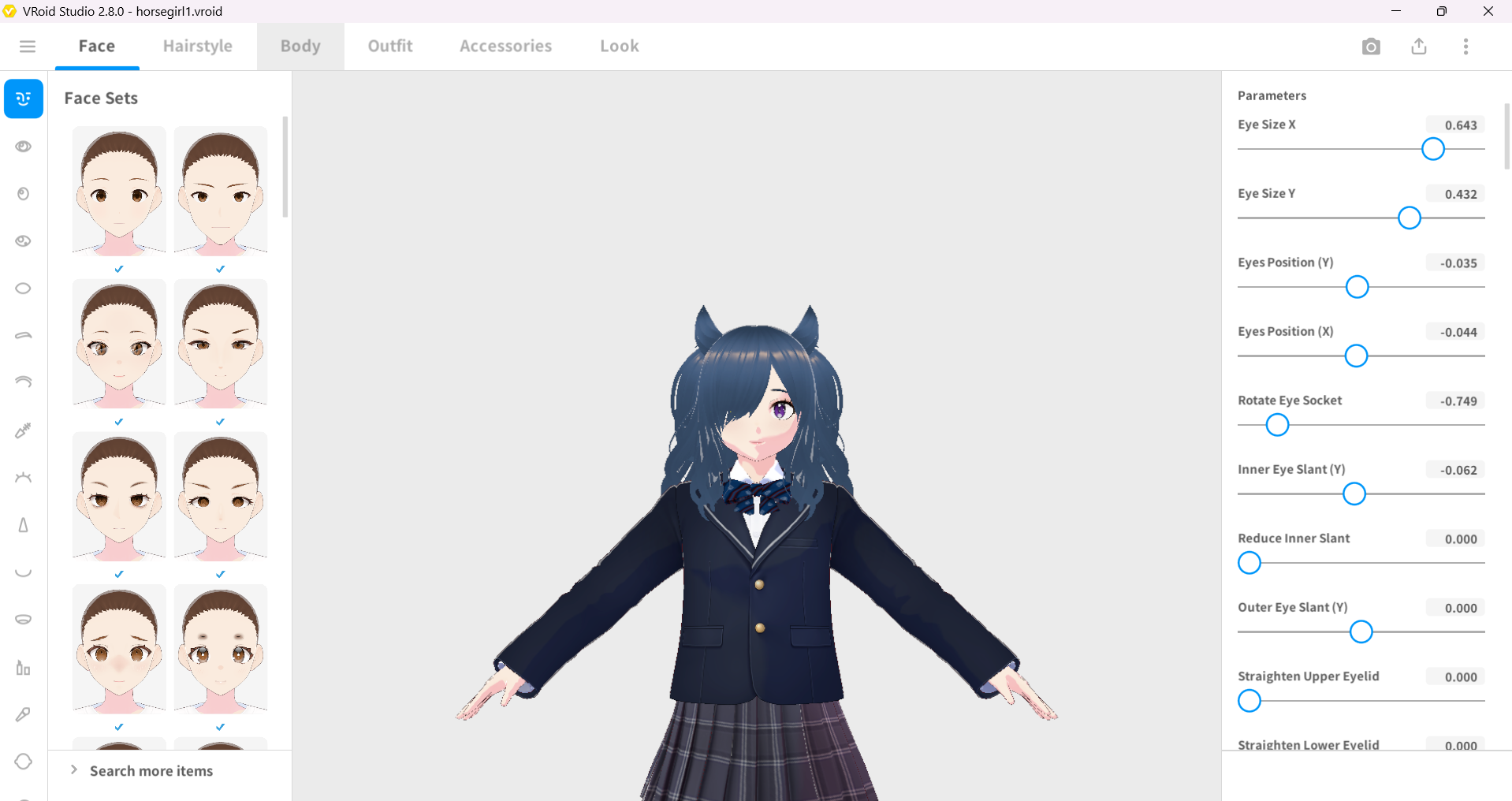
I used Adobe Mixamo to get the animations for my game. During game development I was unsure about Vroid models and animation so I found a very good video on the topic:
I then looked at tutorials online on how to set up animator controller and how to switch between animations. I was able to move the character using root motion. Root motion is when you use the animation to move the character. The game "INSIDE" is an example of a game which uses root motion to move the character.
During the game jam I received a lot of useful feedback for my game. Here are some reviews I received. They are quoted below:
Nice take on the T-rex game! There are no collisions however, so you can win without pressing anything.
Great job of coming up with a game that uses only one button for control! Will you keep working on it? I can see it being even more fun with music/sounds and a variation of levels.
Simple but it all came together nicely! I enjoy how it's almost like you're queueing the jumps.
| Game Engine | Unity |
| Character Creation | Vroid Studios |
| Character Animations | Mixamo |
| 3D Models | Maya |